Desktop
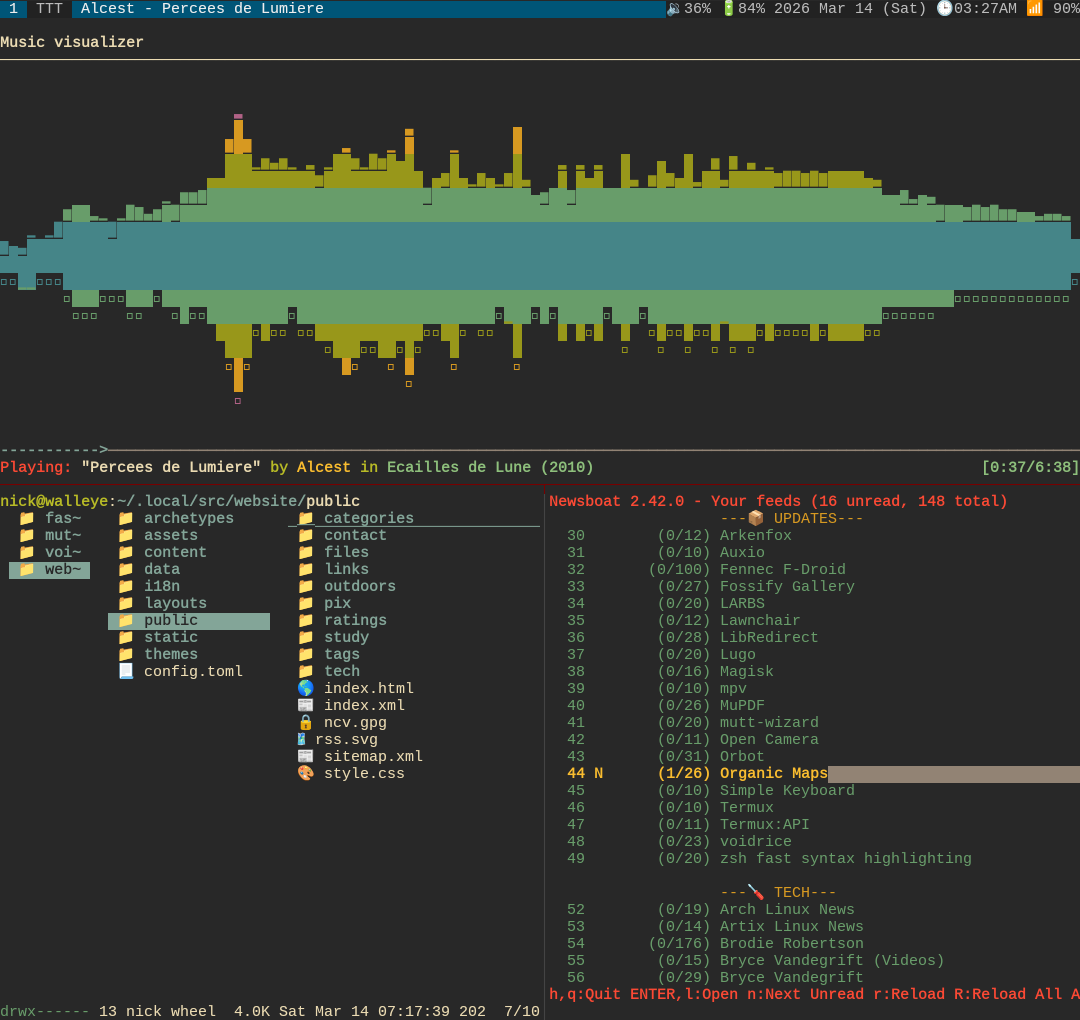
- artix (runit) – Operating System
- dwm – Window Manager
- st – Terminal
- zsh – Shell
- neovim – Text Editor
- vimwiki – Notes
- lf – File Manager
- nsxiv – Image Viewer
- mpv – Video Player
- mpd, ncmpcpp – Music Player
- zathura – Document Viewer
- calcurse – Calendar
- pass – Password Manager
- abook – Address Book
- neomutt, mutt-wizard – Email Client
- newsboat – RSS Reader
- ffmpeg – Video/Audio Editor
- imagemagick – Image Editor
- tor – Proxy
- i2pd – Proxy
I use LARBS with Luke Smith’s dotfiles. See my extended programs list for more, & the Artix installation page.
In my Termux dotfiles, I have tmux & fzf substitute for dwm & dmenu.
Phone
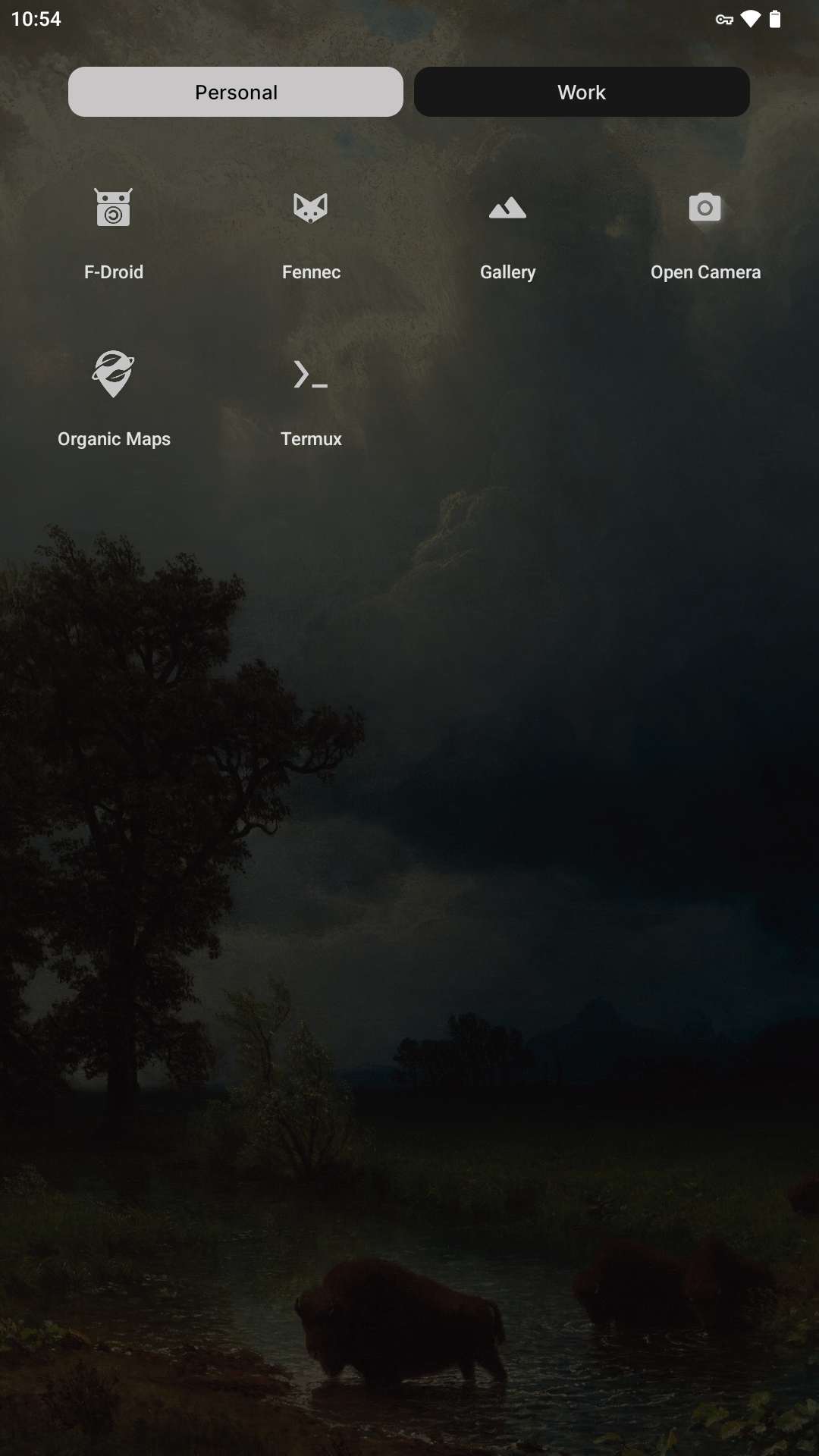
- LineageOS – Operating System
- F-Droid – App Store
- Termux – Terminal
- Simple Keyboard – Keyboard
- Fossify Gallery – Image Viewer
- mpv – Video Player
- MuPDF viewer – Document Viewer
- Open Camera – Camera
- Organic Maps – Navigation
- Orbot – VPN
Fossify has other apps for phone calling, texting, contacts, alarm clock, &c. I use Lawnchair for a launcher, but its purely decorative.
If you must install a proprietary app, quarantine it with Shelter.
If you can’t—or plain won’t—use the command line, these may be useful:
- Auxio – Music Player
- K-9 Mail – Email
- Read You – RSS Reader
- LibreTorrent – Torrent Client
- Seal – Video/Audio Downloader
- KeePassDX – Password Manager
- OpenKeychain – Encryption
- Aard2, GCIDE – Dictionary
- QR & Barcode Scanner – Bar Code Reader
- PCAPdroid – Network Monitor
I use old Google Pixels, currently a Pixel 2. They’re easy to flash & list for cheap on eBay—I purchased mine for around $50. Pixel 1 was the last model to have an audio jack, but I don’t see many listings. Get a good case & screen protector. To block most radio signals, wrap the phone in at least three layers of tinfoil.
Newer laptops often have the Intel’s Management Engine backdoor. For phones, the SIM card seems an analogous backdoor, so avoid using one. Use a burner phone instead. Pixels are supposed to isolate the baseband by which the SIM accesses the rest of the hardware, though I’m unsure what model began to do so. Keep airplane mode on.
General privacy & security advice:
- Block microphone & camera access while not in use.
- Disable mobile data, Wi-Fi, blue-tooth, GPS &c. while not in use.
- Disable internet GPS (“assisted GPS”), USB debugging, &c.
- Set a lock-screen password of 8-12 letters or numbers.
- Disable all non-4G/LGE connections (2G, 3G, & 5G):
Phone→*#*#4636#*#*→4G/LGE only for network
To disable the rotation pop-up, run via ADB or as root:
settings put secure show_rotation_suggestions 0
Termux
Arch Linux’s pacman can be used. Install Termux:API so programs can use the clipboard & open files in apps.
How to stop Android from closing Termux.
To make backups:
tar -cp /path/to/files | gpg -e -r your@email -o output.gpg
De-bloating
Use Magisk to de-bloat system apps by making a module to overlay a blank file or directory over the system app’s APK. See my script for creating one. If the device boot-loops, go into safe mode by pressing volume-down while booting (Pixels only it seems), disables all modules. Universal Android Debloater has information on what the different system apps are.
To see where an app is located, run:
cmd package path app
De-Bloater may be useful if you insist on using an app rather than the command line.
DNS
Open the Settings app:
Network & internet→Private DNSPrivate DNS provider hostname:dns.mullvad.net
If you’re using a VPN or proxy, then the DNS should be resolved with it. If an app is configured to use a proxy with SOCKS5 (e.g. Fennec), it will ignore the system DNS.
Termux by default uses Google DNS in its etc/resolv.conf,
so be sure to change it too. Takes an IP address, e.g.
Quad9:
nameserver 9.9.9.9
Captive Portal
Disable Google connections, run via ADB or as root:
settings put global captive_portal_mode 0 # or 1 to enable
settings put global captive_portal_use_https 0 # or 1 to enable
settings put global captive_portal_http_url about:blank
settings put global captive_portal_https_url about:blank
settings put global captive_portal_fallback_url about:blank
settings put global captive_portal_other_fallback_urls about:blank
Or replace about:blank with a
captive portal server.
NTP
Use NTP Pool instead of Google, run via ADB or as root:
settings put global ntp_server pool.ntp.org # or about:blank to disable
Tor
Remember to configure apps to use Tor as proxy:
socks5://localhost:9050.
F-Droid has Tor mirrors, make sure to use them: Settings
→ Proxy → ☑ Use Tor